
Health5 minute read
Medication tracker
A medication schedule is not a dose history
Learn which view answers what was planned, what was logged, and what remains unknown.
 MoodWell Health
Track medications, supplements, GLP-1 injections and peptides in Moodwell. Keep a digital cabinet, follow saved schedules and review dose history, supply and documented interaction information.
Why Moodwell Health
Know what is scheduled, due and already recorded.
Store cabinet, label, schedule and supply details together.
Return to dose dates, injection sites and personal observations when you need the details.
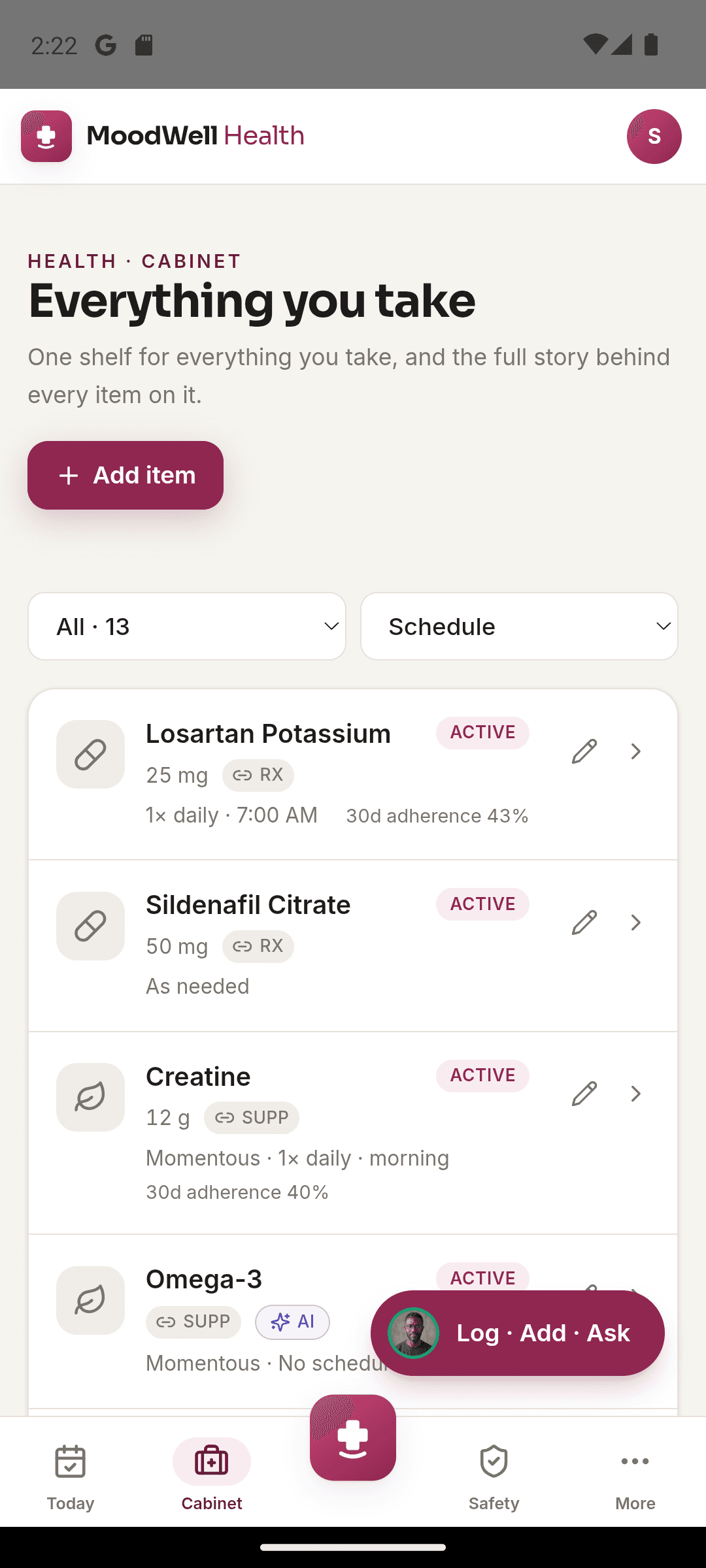
Add the items you take, keep their labels and save a schedule. Check what is due in Today, log a dose and return to the history when you need it.
Explore medication and supplement tracking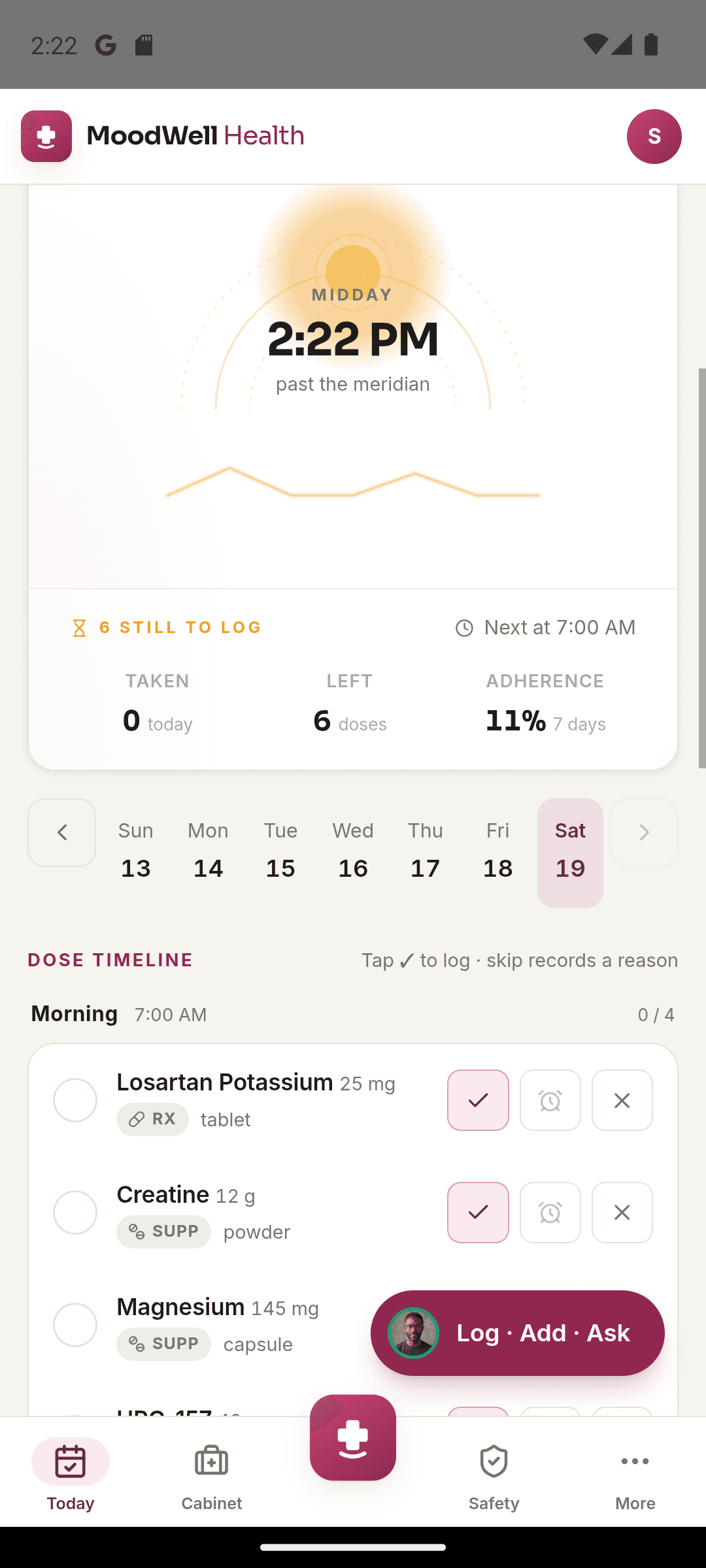
Log injections with dates, doses and sites, then review symptoms and weight alongside your history. Import eligible past records from a Shotsy export file.
Explore glp-1 history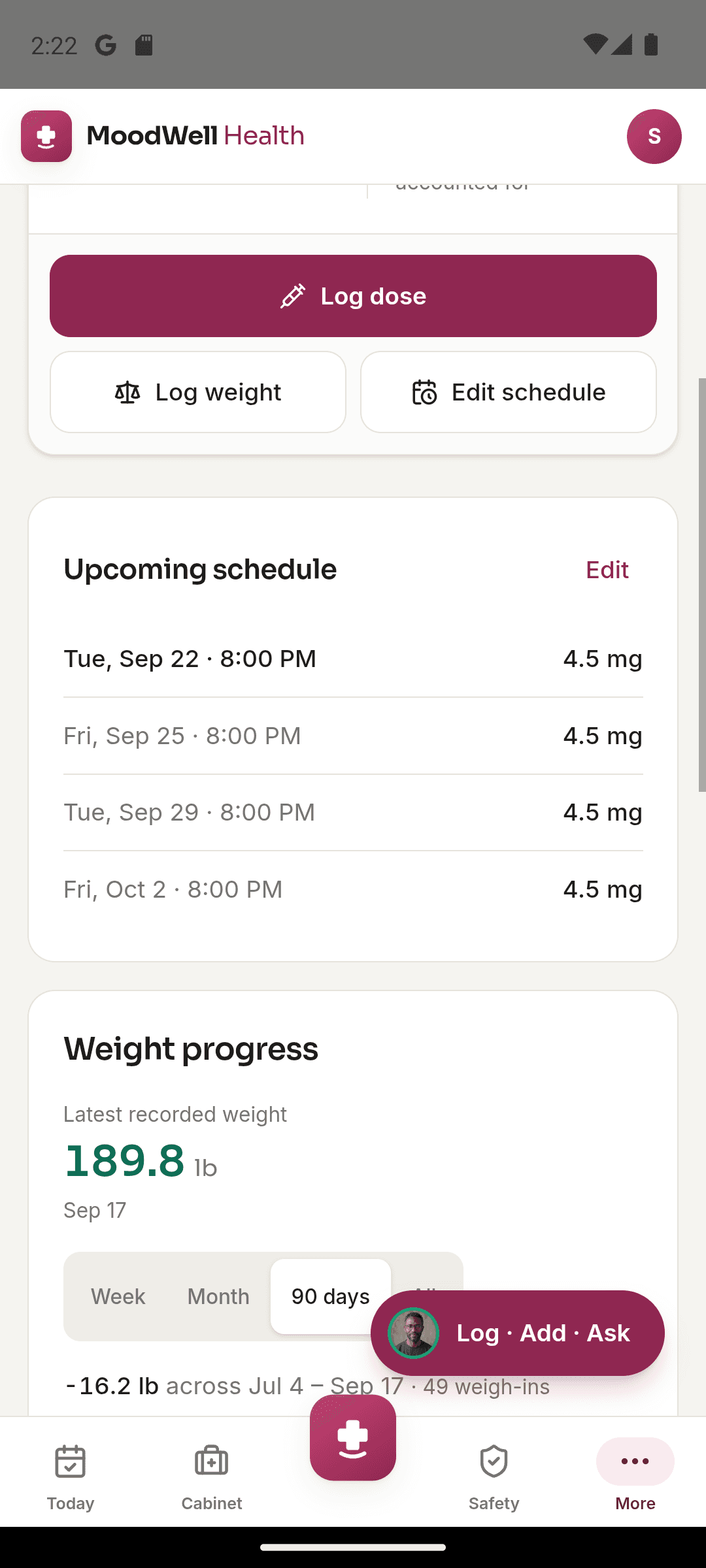
Keep vial information, schedules and cycle dates with your dose logs. Track supply and use calculators with the values you enter.
Explore peptide tracking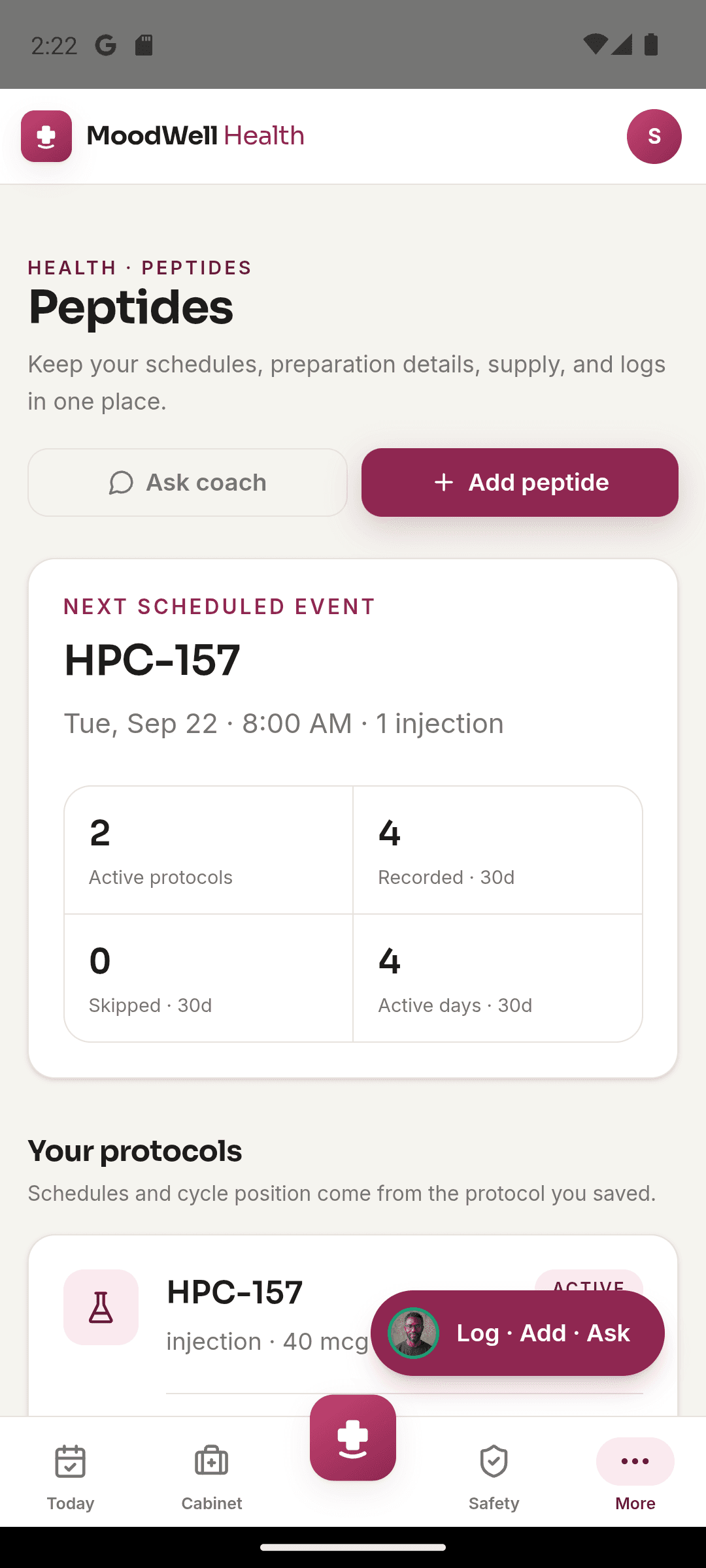
Review documented interactions and compare declared allergens with ingredient information. Coverage gaps remain visible when a source cannot fully check an item.
Explore documented safety coverage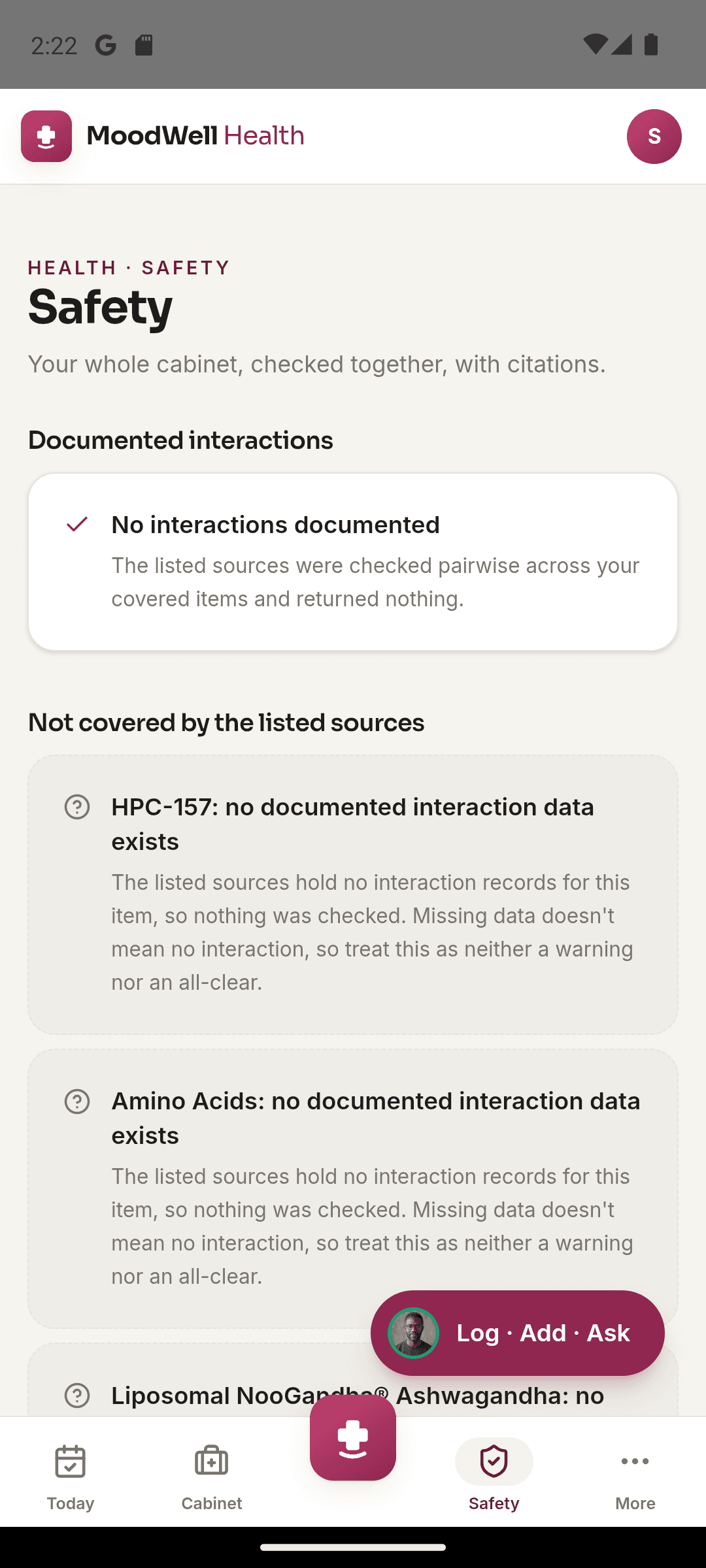
More in this layer
Keep medications, supplements, GLP-1 treatments and peptides in one cabinet.
Separate the plan from the doses you actually record.
Keep quantity and supply information with each item in your cabinet.
Record symptoms, weight and personal notes alongside your dose history.
Capture a product label, then check the extracted name, ingredients and serving details.
Ask the Health AI coach about the records available in that layer. It does not prescribe or change treatment.
A scheduled item and its recorded dose can appear beside meals or a workout. Medication and supplement records remain excluded from Moodwell’s cross-layer correlation engine.
Guides
Medication tracker
Learn which view answers what was planned, what was logged, and what remains unknown.
Medication tracker
Keep the active cabinet understandable without removing the records you may need to revisit.
Medication tracker
Turn the products in front of you into clear cabinet records, with names, strengths, and labels checked before you add schedules.
Choose a mobile platform to see its current release, beta, or waitlist option.
Questions, answered
Organize personal health records with a clear distinction between tracking, source information, and medical decisions.
Explore all FAQsKeep medications, supplements, GLP-1 injections and peptides in one cabinet. Save schedules, record doses, review supply and keep symptoms or measurements with your history.
Yes. Moodwell accepts a Shotsy export file for importing eligible history. Review the import guide for the file format, preview and handling of existing records.
No. Moodwell records your information and does not prescribe, diagnose or recommend treatment changes. Follow the instructions from your clinician.
No. Moodwell distinguishes documented findings from incomplete source coverage. Ask a pharmacist or clinician about safety questions.