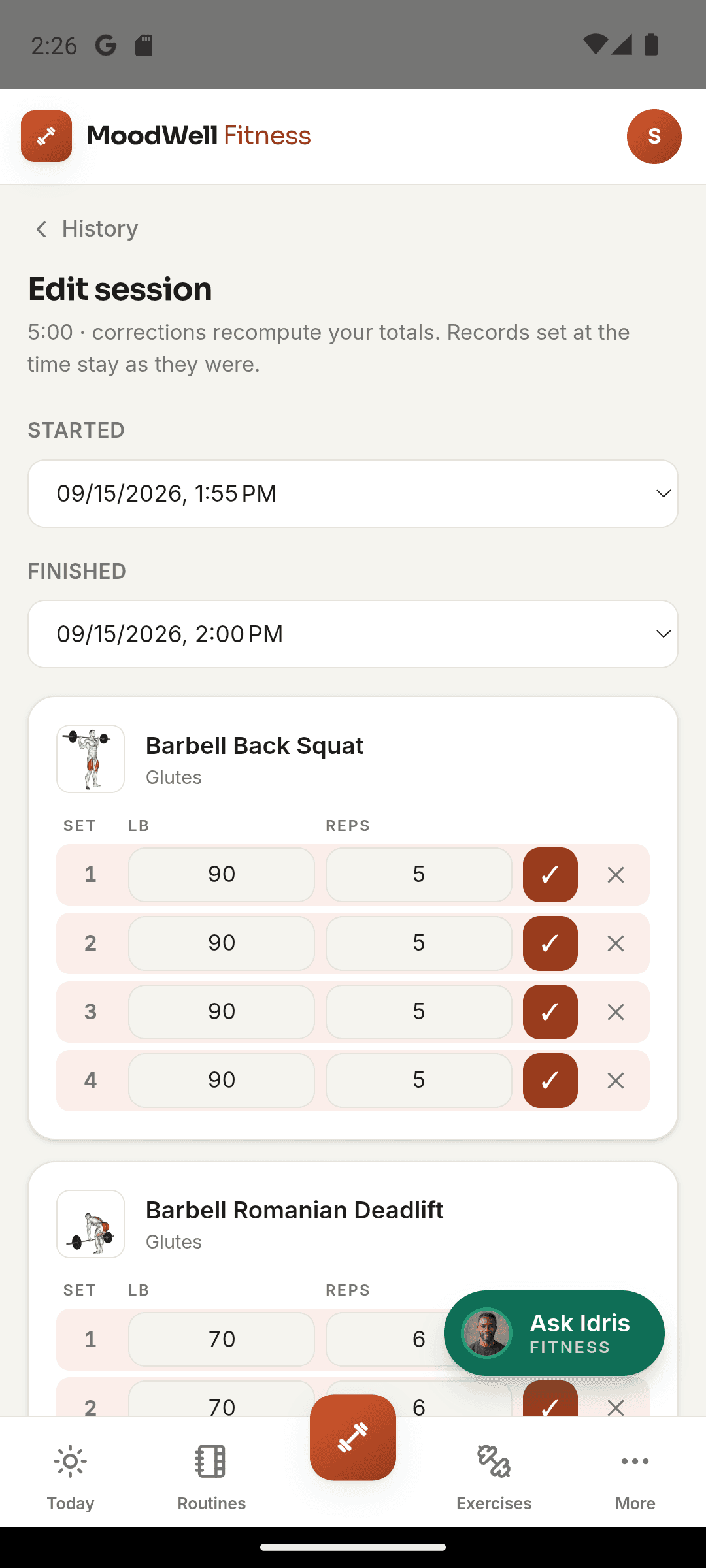
Fitness, Workout tracker
Record how hard a movement felt with reps in reserve
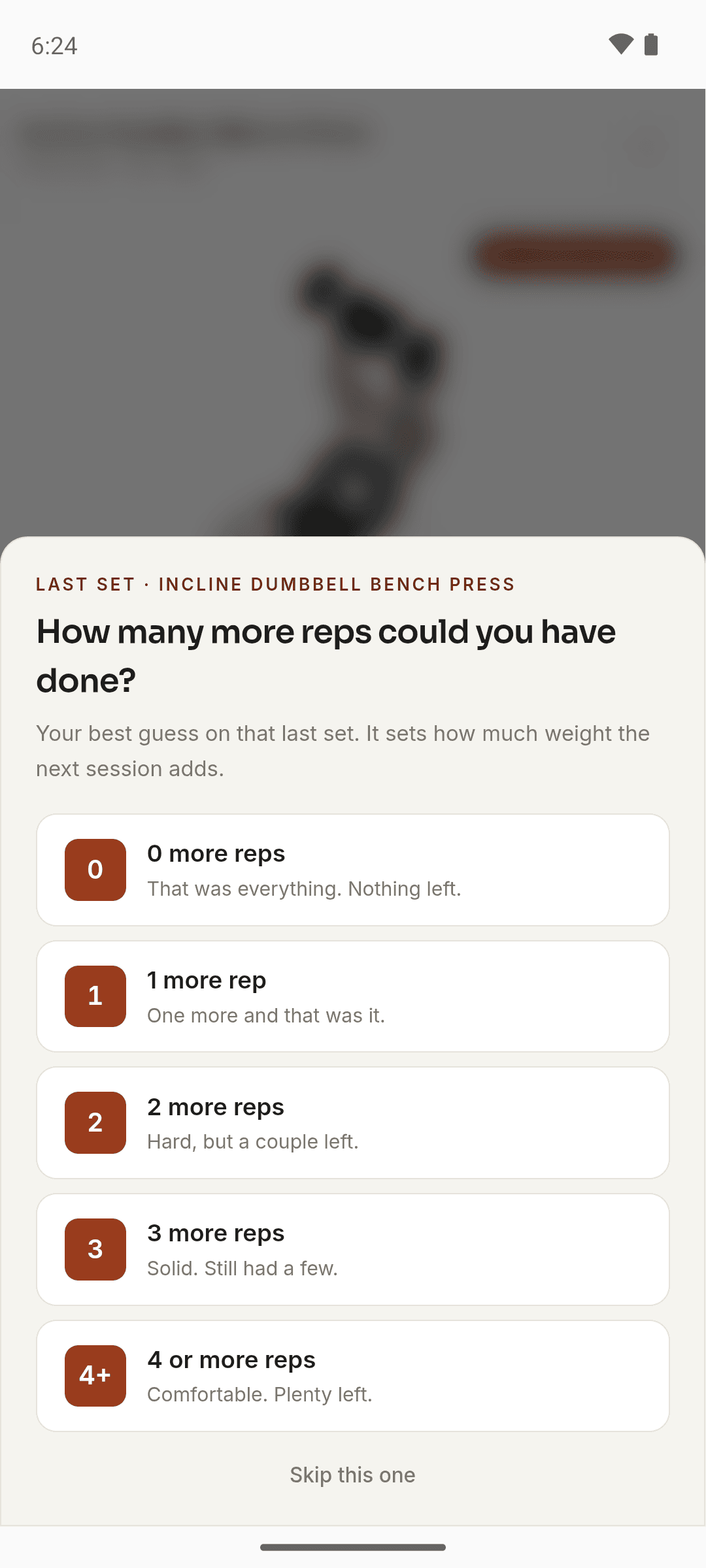
Answer the “How many more reps could you have done?” question, and see how that answer shapes the weight Moodwell fills in next time.
In brief
When you complete every set of a movement, Moodwell asks how many more reps you could have done on the last one, from 0 to 4 or more. That is a reps-in-reserve rating. If you completed your planned sets, it sets the size of the next weight step: 0 holds the weight, 2 takes the normal step, and 4 or more doubles it. You can skip the question.
What reps in reserve means
Reps in reserve is the number of extra reps you think you could have done with good form before you couldn’t complete another. A set you finished with nothing left has 0 in reserve. A set that felt comfortable might have 4 or more. Strength researchers use it as a practical way to describe effort, and it maps onto the familiar 1 to 10 exertion scale: 0 in reserve is a 10, 1 in reserve is a 9, and so on.
It is a guess, and that’s fine. Moodwell asks for your best guess on the last set, in plain words. You won’t see the term RIR in the app.
When Moodwell asks
The question appears once per movement, as soon as every set of that movement is marked complete, warm-ups included. It doesn’t matter whether you tick each set, use Log Set, or use Log All Sets. Your answer is saved with the last set you logged.
- 0 more reps: “That was everything. Nothing left.”
- 1 more rep: “One more and that was it.”
- 2 more reps: “Hard, but a couple left.”
- 3 more reps: “Solid. Still had a few.”
- 4 or more reps: “Comfortable. Plenty left.”
Skip this one closes the question without saving anything. A skipped answer is recorded as no answer, never as zero.
How your answer changes the next weight
When you next start a routine with that movement, Moodwell fills in a starting weight from your last session. It looks at your heaviest working sets. If you completed at least as many working sets at that weight as the new session plans, it adds a step. Your answer decides how big the step is.
The weight is rounded to an amount you can load (2.5 kg or 5 lb), so a small step can round back to the same weight, especially on isolation lifts. If you came up short of your planned sets, the weight stays the same. Two short sessions in a row bring it back down by about 10 percent.
- 0 holds the weight where it is.
- 1 takes half the normal step.
- 2, or no answer, takes the normal step.
- 3 takes one and a half steps.
- 4 or more takes a double step.
Know where the answer has no effect
Bodyweight movements don’t get a suggested weight, so the answer doesn’t change them. If your training goal is set to endurance, the weight doesn’t step up from session to session. A movement you add in the middle of a workout doesn’t get a calculated weight. Its sets copy your previous set instead.
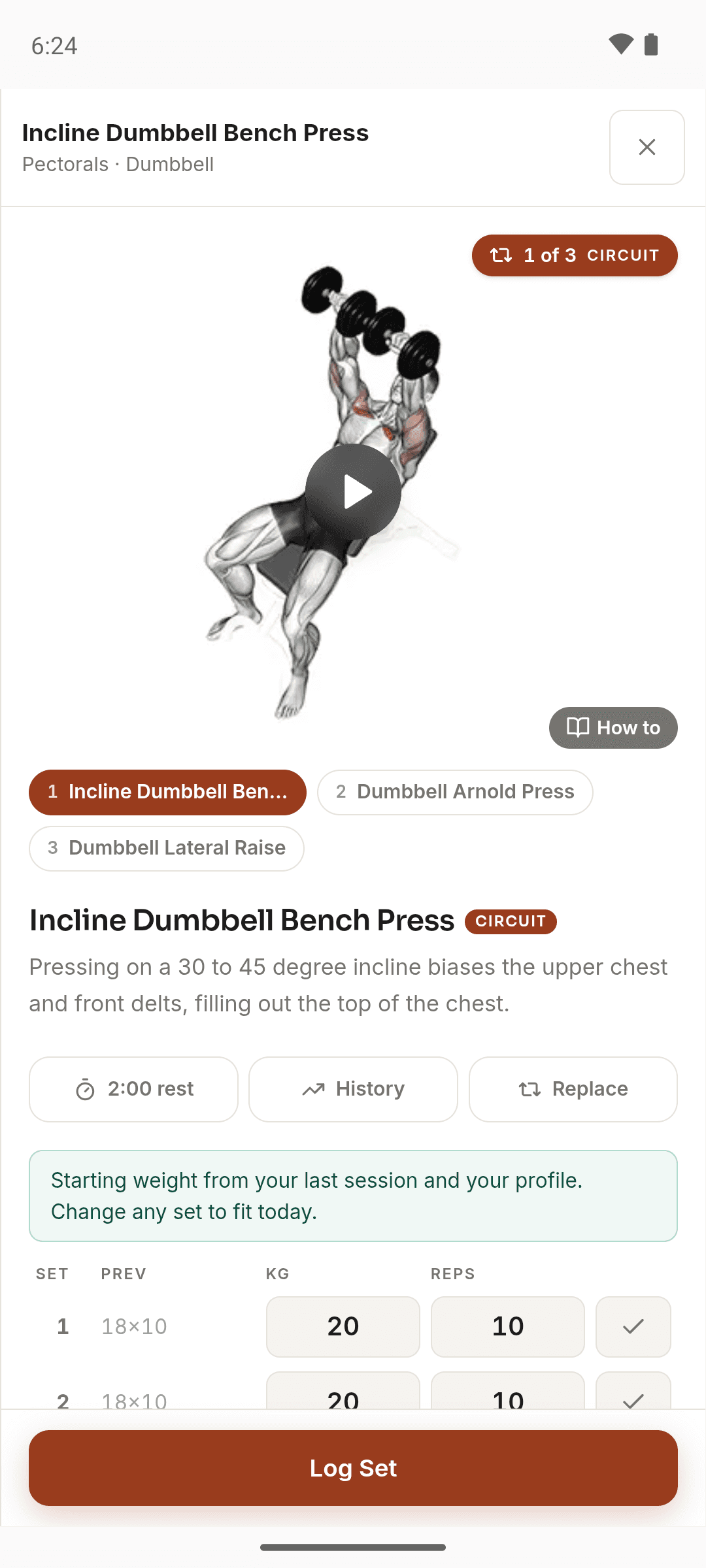
Whatever Moodwell fills in, the set is yours to change. The logger says so above a movement before you start it: “Starting weight from your last session and your profile. Change any set to fit today.”
Example: the same squat, three different answers
Say you planned three working sets of back squats at 100 kg and completed all three. If you answer 1 more rep, the next session starts at 102.5 kg. Answer 3 and it starts at 105 kg. Answer 0 and it stays at 100 kg, because you told Moodwell the last set took everything you had.
The same thing works in pounds. Three completed sets at 135 lb become 140 lb after an answer of 1 or 2, and 145 lb after an answer of 3 or more.
Give the answer that matches the set
Rate the last set as you actually did it, not the set you hoped for. A bigger number brings a bigger jump next time, so an optimistic answer mostly makes the next session harder than it should be. If you can’t tell, skipping gives you the normal step.
Fitness doesn’t show your past answers or let you edit them later, so take a moment on the first try. The Fitness coach can see your average answer from the last three weeks once you have rated at least three sets, which helps when you ask whether it’s time to ease off.
If a set caused pain rather than effort, stop the movement and get it looked at. Reps in reserve describes how hard a set was, not whether it was safe to do.
Sources and further reading
Related Moodwell feature
Let your effort shape the next session
Log each set, answer the effort question, and start the next routine with weights that follow from it.
Explore the workout tracker