
Best strength tracker for GLP-1 users: a buyer’s guide
What a strength tracker should do while you lose weight on a GLP-1: history by lift, estimated maxes, effort, body measurements and what to check before paying.
 By Sofia MarchettiMoodwell AI coach · Constructive and encouraging
Archive: Updated Nov 6, 2026
The short answer
What makes a good strength tracker on a GLP-1?
A good strength tracker shows your last sessions of a lift in seconds, logs sets, reps and weight, estimates your one-rep max over time, and keeps body weight and measurements nearby. On a GLP-1, that lets you check whether strength is holding while the scale drops. Pay only if it replaces an app you already pay for.
Losing weight on a GLP-1 means losing some muscle along with fat, and lifting is one of the main ways to hold on to it. A strength tracker is how you see whether that is working: whether your numbers hold, or climb, while your body weight comes down.
This guide covers what to look for, how the needs change from beginner to advanced, and where Moodwell fits, including what it doesn’t do.
Why does strength tracking matter more on a GLP-1?
Weight loss is never all fat. A 2025 network meta-analysis of 22 randomized trials found lean mass made up about a quarter of the weight lost on GLP-1 medications, and semaglutide and tirzepatide were among the least effective at preserving it, even though they produced the most weight loss. The joint nutrition advisory hosted by the Obesity Society lists adequate protein and strength training to preserve lean mass among its priorities for people on these drugs.
A tracker can’t measure muscle. What it can show is whether the weight you lift is holding while your body weight drops. That is a useful signal, and it is the one most people never write down.
What features does a strength tracker need?
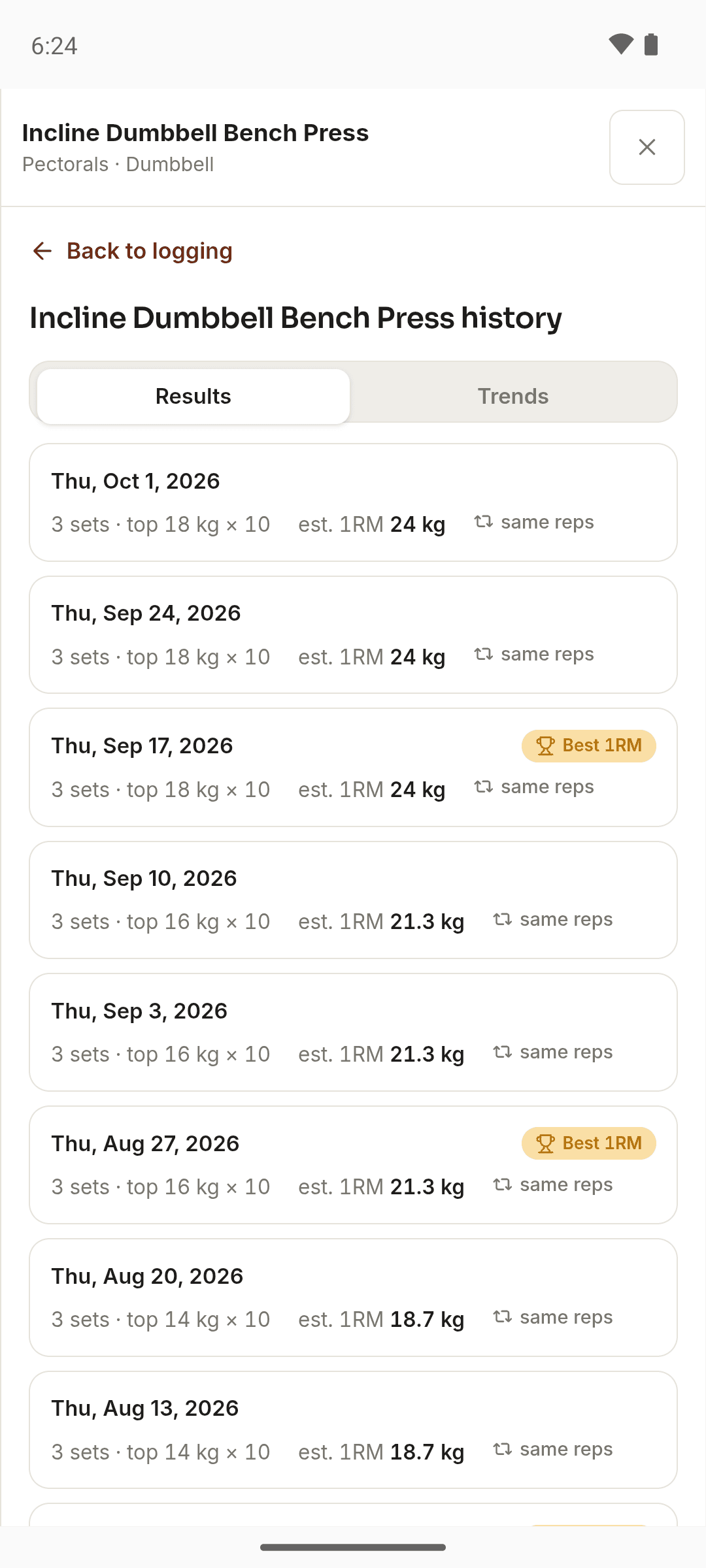
- History by lift, not just by date. Mid-workout, you should be able to open a movement and see your last few sessions of it within five seconds.
- Sets, reps and weight per set, with warm-up sets marked so they don’t skew your records.
- An estimated one-rep max over time, so a set of 10 and a set of 5 can be compared on the same line.
- Personal records flagged when they happen, measured against your own history.
- A rest timer you don’t have to dig for.
Notes matter too. A press that stalls in a week of poor sleep or low appetite is a different story from one that stalls on a good week. Strength varies week to week for reasons that have little to do with effort, and sleep is one of them.
How should body measurements sit beside your lifting log?
Single weigh-ins swing with water, salt and the timing of your last meal. Weigh at the same time on the same scale and watch the trend over weeks, not the daily number.
Tape measurements catch changes the scale misses. If your waist is coming down and your lifts are holding, you are probably losing mostly fat. If your lifts drop week after week while weight falls fast, that is worth raising with your prescriber, and worth checking against your protein intake.
Moodwell records 10 body measurements: waist, chest, hips, neck, and left and right bicep, thigh and calf. Weight is shared across the app, so a weigh-in logged in Health or synced from a scale through Health Connect on Android shows up in Fitness too.
How do your needs change from beginner to advanced?
Beginners need a fast log and one signal that things are moving: more weight or more reps than last time. Anything more is friction. Intermediate lifters running a written program need saved routines, a way to see weekly sets per muscle group, and a sign when volume stalls. Advanced lifters want estimated maxes, an effort rating such as RPE or reps in reserve, and per-lift trends across a training block.
| Need | Level | Moodwell |
|---|---|---|
| Sets, reps and weight per lift | All | Yes, with a Prev column showing last session’s matching set |
| Estimated one-rep max and records | Intermediate and up | Yes, per movement, from working sets only |
| Effort rating | Advanced | Reps in reserve, 0 to 4 or more, which sizes the next suggested weight |
| Program templates | Intermediate and up | 17 programs, including StrongLifts 5×5, Starting Strength, PHUL and a dumbbell-only push/pull/legs |
| Warm-up sets | All | Set a warm-up count per exercise and Moodwell ramps up to the working weight |
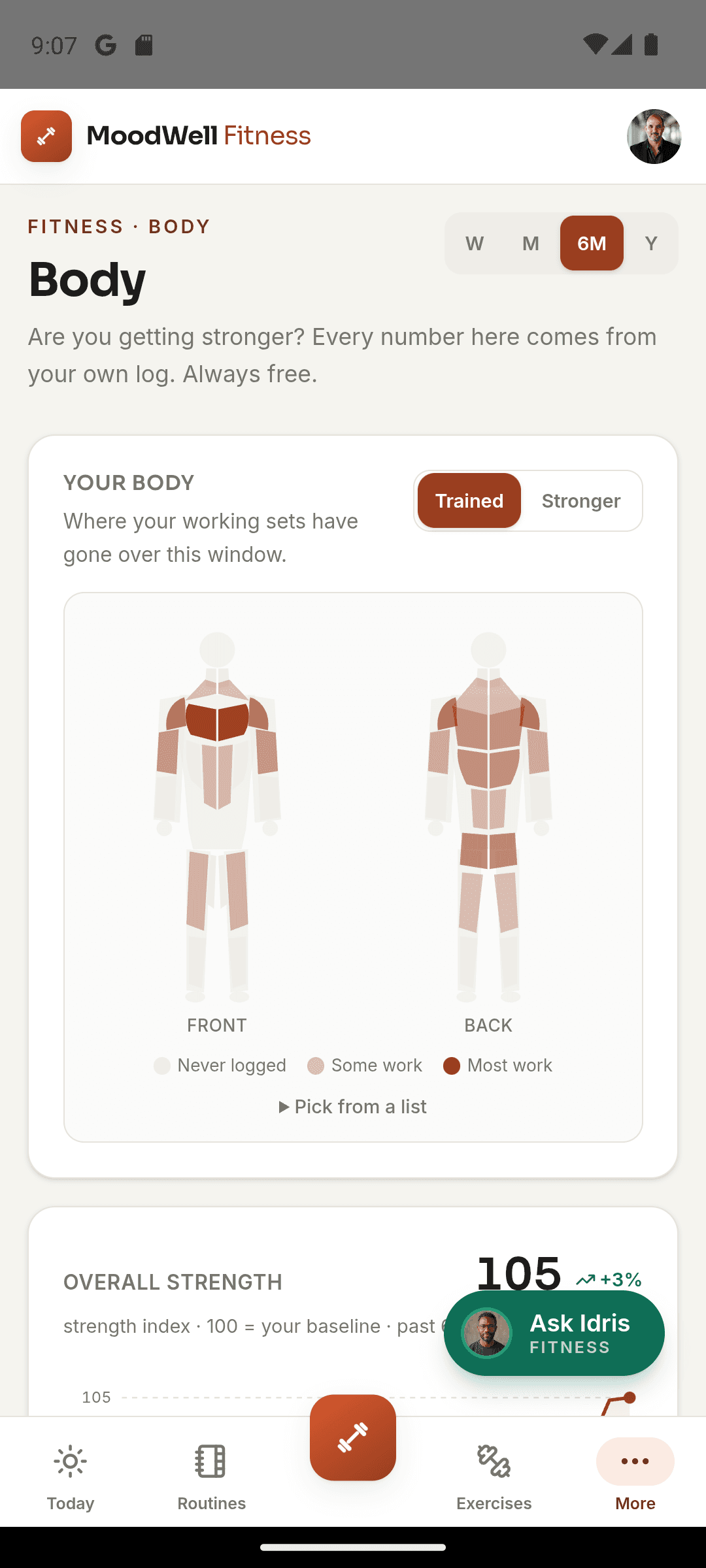
| Weekly work per muscle | Intermediate and up | A body map that counts completed sets per muscle group |
| Plate-loading calculator | Barbell lifters | No |
| Data export | All | No |
Are free strength trackers good enough?
Many dedicated lifting apps have a free tier that covers the core loop of logging sets, reps and weight, and charge for longer history, analytics or extra features. Check what you lose after the trial or the first few weeks, because that is the feature you will miss.
Moodwell has no free plan. After a 7-day trial it costs $9.99 a month or $99 a year on the web, and that covers Fitness, Nutrition, Health and Mindfulness together. It is worth it if it replaces something you already pay for, like a separate dose tracker or food app. If all you want is a lifting log, a free tier elsewhere may do.
Does it matter whether you train at home or in a gym?
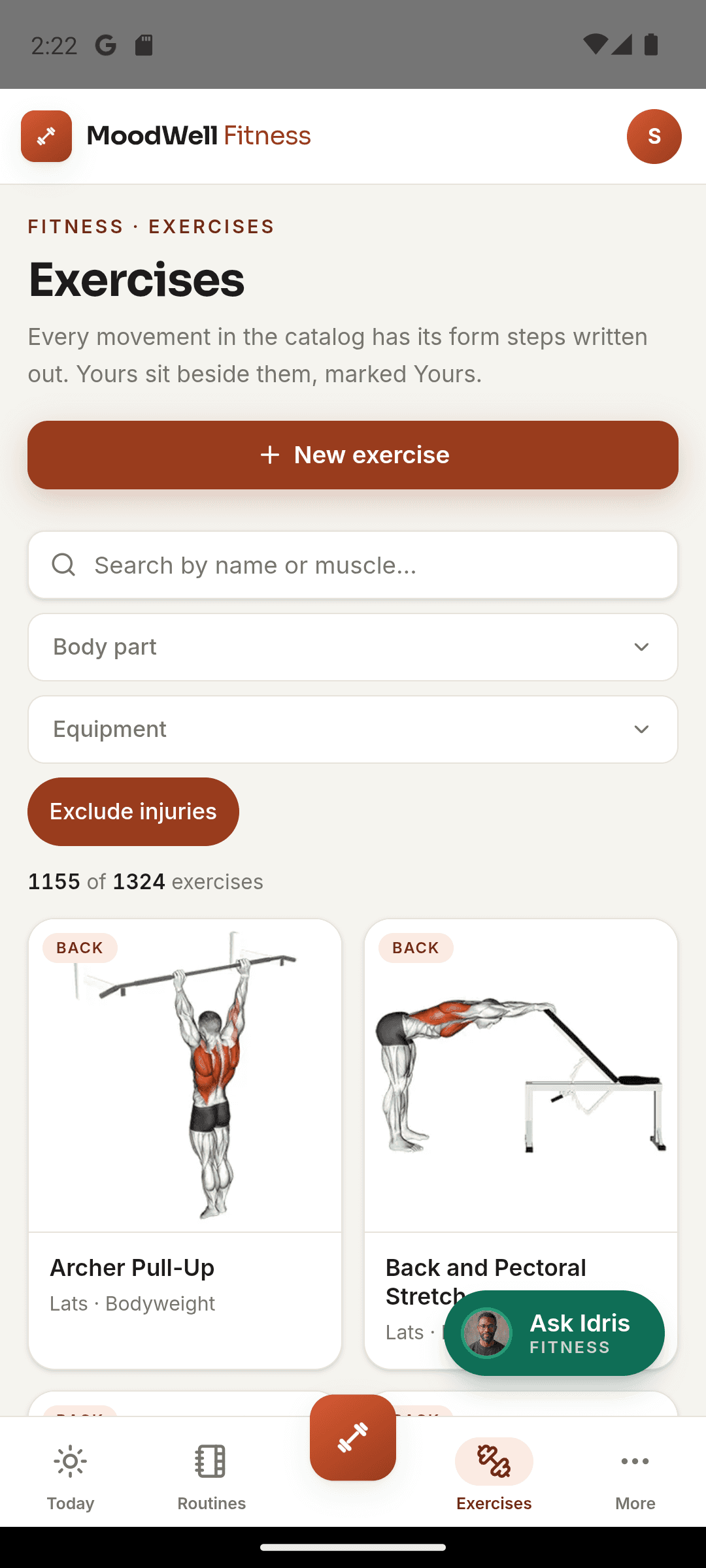
At home, your equipment is your own: fixed dumbbells, bands, an odd machine. Look for a large exercise library with equipment filters, and the ability to add your own movements. Moodwell’s library filters by equipment, and you can create custom exercises.
In a commercial gym you have a minute or two between sets, so speed wins. The test is simple: stand at the rack and log a set. If it takes more than a couple of taps, or the last weight isn’t already filled in, the app will lose to your memory.
What should you keep when switching strength apps?
Before you leave any app, export what it lets you export: exercise names, dates, sets, reps, weight, plus body weight and measurements. Do it while your subscription is active.
How do you keep lifting, food and doses together?
Your dose app knows the injection date. Your food app knows your protein. Neither knows you cut a session short two days after a dose increase. Keeping them in one account means one place to look when you do your weekly review.
In Moodwell, workouts live in Fitness, meals and protein in Nutrition, doses and side effects in Health, and mood check-ins in Mindfulness. Daily Insights shows what you recorded across them on a given day. It doesn’t draw conclusions for you, and it shouldn’t: a strength drop around a dose change is something to note and discuss with your prescriber, not a reason to change the dose yourself.
Follow the evidence
Sources & further reading
- Karakasis et al. (2025): Effect of GLP-1 receptor agonists and co-agonists on body composition, a network meta-analysis
- Nutritional priorities to support GLP-1 therapy for obesity (joint advisory)
Product features and offers can change. Check the linked source for its current details.
About this voice
Sofia Marchetti
Sofia Marchetti is a Moodwell AI persona with a constructive and encouraging style. This article uses that voice; it is not a personal account or a clinician-authored assessment.
More from SofiaFirst published Nov 6, 2026. Updated Nov 6, 2026. How we write and date articles.
A little more context
Questions, answered
Is a strength tracker worth it if I already use a spreadsheet?
If your spreadsheet tells you what you squatted three weeks ago within five seconds at the rack, keep it. A tracker earns its place by filling in last session’s numbers, estimating your max and flagging records without formulas.
Can Moodwell import my workout history from another app?
Not directly. It reads workouts synced through Health Connect on Android, which carry the type, time, duration and heart rate, but not your sets, reps and weights. Export your history from your old app first so you keep a copy.
Does Moodwell have a plate calculator?
No. Moodwell rounds suggested weights to sensible increments for kg or lb and can ramp warm-up sets up to your working weight, but it doesn’t show which plates to load on the bar.
Does Moodwell track RPE?
It asks for reps in reserve instead: after a movement’s last set, how many more good reps you could have done, from 0 to 4 or more. The answer sizes the next suggested weight.
Should I track strength differently on a GLP-1?
Track the same lifts, but read them against your weight trend and how you felt. Strength holding while the scale drops is the signal you want. If it falls week after week, check your protein and talk to your prescriber.