
Track strength progress and body measurements over time.
Use Moodwell's muscle map and movement history to explore strength trends from your logged workouts. Keep body measurements alongside your training record and review the sessions behind each change.
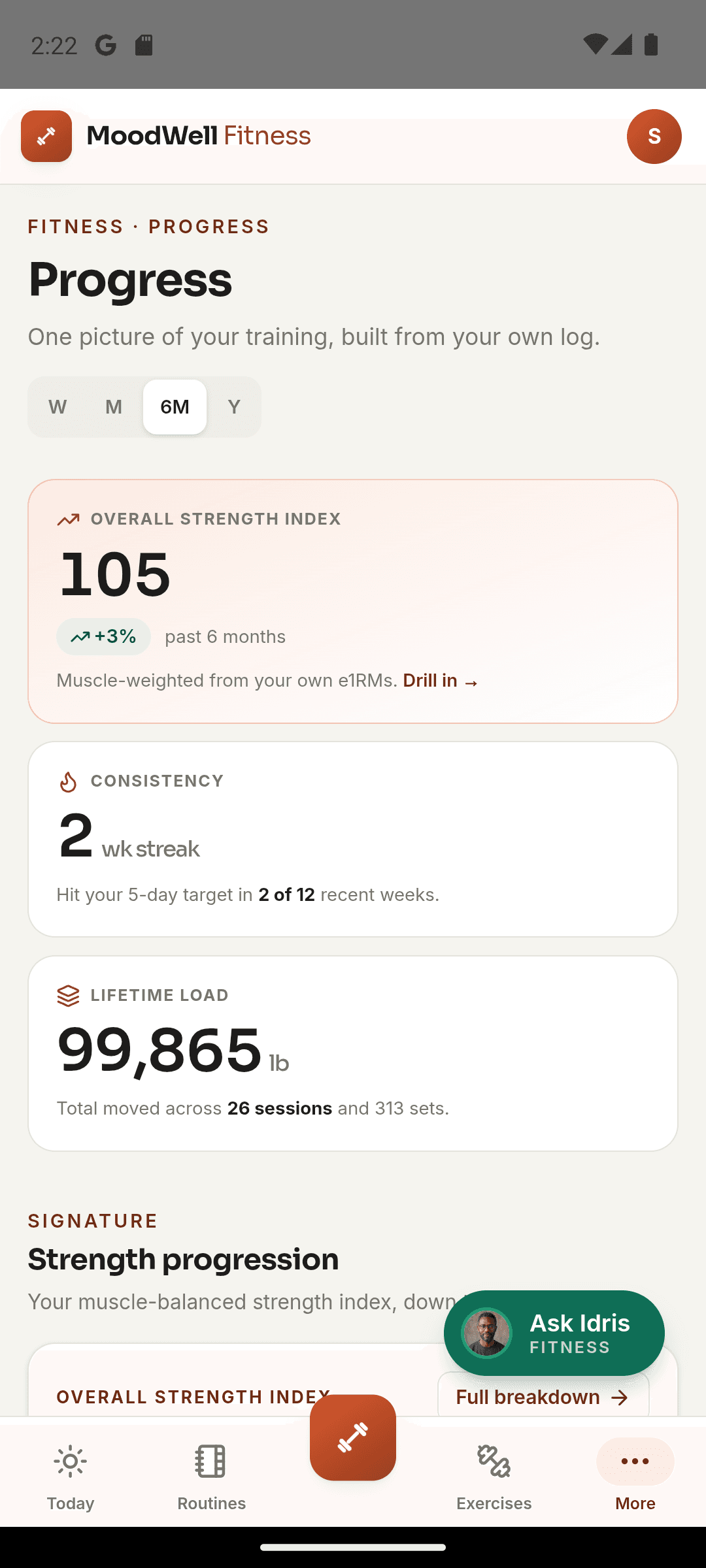
What it helps you do
What can you do with Strength and body tracking?
Start with a muscle group
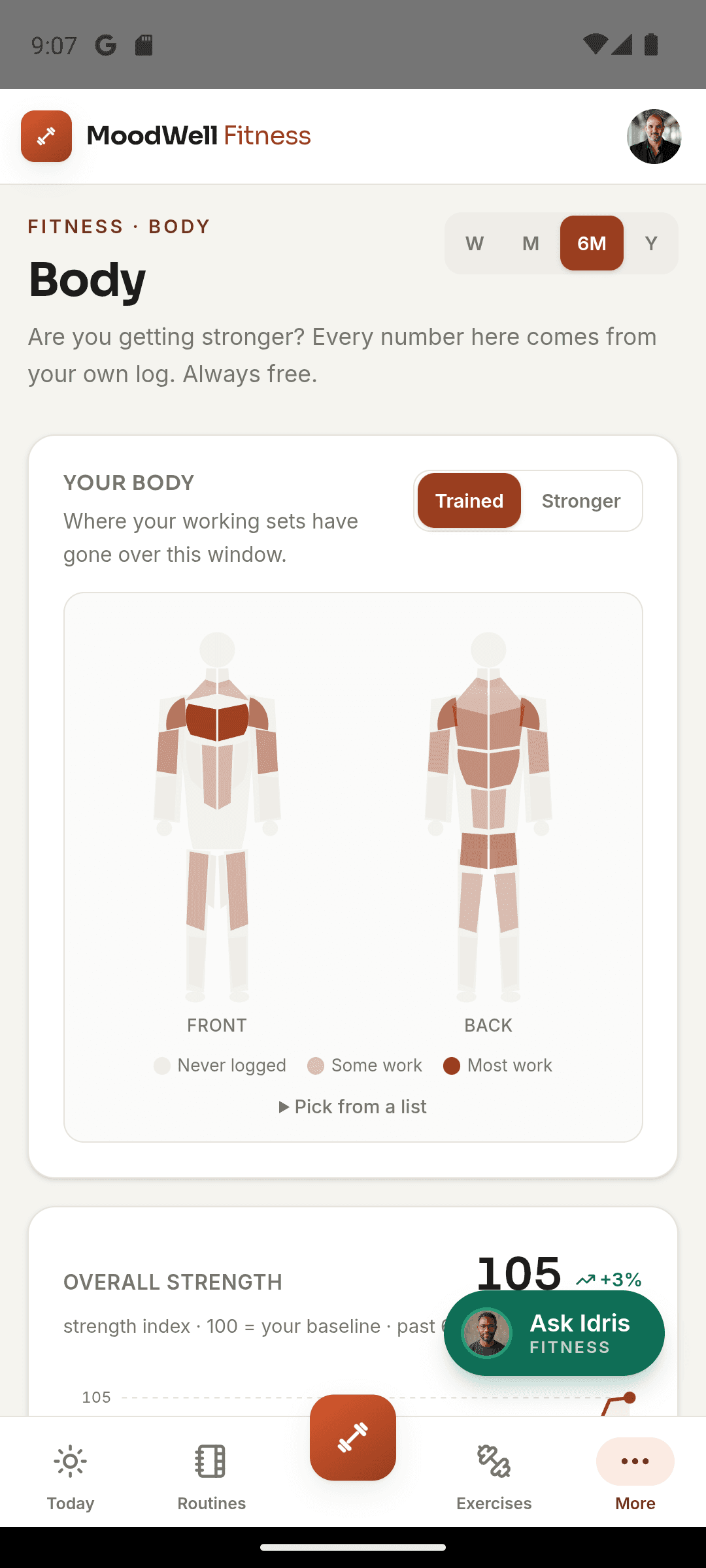
Use the body map to choose the area you want to review.
See the lifts behind the trend
Open movement detail to connect a strength estimate with the workouts it came from.
Follow measurements and performance
Keep body measurements and weight history alongside the record of what you lifted.
Step by step
How Strength and body tracking works
Record workouts and measurements
Complete workouts and add body measurements to build a dated history.
Choose a muscle group or movement
Open the body map or a movement's progress view to look at your training data.
Compare the underlying records
Review sessions, dates and measurements before drawing a conclusion about a change.
Inside the app · Strength and body tracking
See where your training effort is going.
The body view connects logged working sets with the muscle groups they train. Explore that balance alongside your strength history, then look at the sessions behind a change.
- Use the muscle map to choose an area of the body to review.
- See how recorded working sets are distributed across muscle groups.
- Open movement history to review the workouts behind strength estimates.
- Keep body measurements and weight history alongside your training record.
Compare training with the rest of your routine
The connected dashboard can place available Fitness activity beside other tracked layers for a wider view.
Before you start
Availability and things to know
Where you can use it
- Available on Android
- Available in the desktop web app
Things to know
- Strength estimates are derived from logged workout data, not direct physiological measurements.
- Body measurements are personal tracking records, not diagnoses.
Keep exploring
More in Moodwell Fitness.
Workout tracker
Log strength workouts in Moodwell as you train. Record exercises, sets, reps and weights, finish with a session summary and return to your workout history before your next session.
Workout plans
Create workout routines from a program, with AI assistance or from scratch. Choose exercises and set targets, organize routines into folders and schedule training days in Moodwell's weekly planner.
Exercise library
Search Moodwell's exercise library by movement name or muscle, filter by body part and equipment, and read exercise details before adding a movement to your workout routine.
Get started with Strength and body tracking.
Choose a mobile platform to see its current release, beta, or waitlist option.
Questions, answered
Strength and body tracking, explained.
Understand the workout history behind strength estimates and keep body measurements in context.
Explore all FAQsHow does Moodwell track strength progress?
Strength views use logged workout data to calculate estimates and trends by movement or muscle group. They are based on the sets you enter, not a direct measurement of muscle strength.
Can I track weight as well as lifting?
Yes. Body tracking includes weight and body measurements alongside workout progress. These are separate records so you can review each on its own terms.
Why is there no strength trend for an exercise yet?
Strength views need relevant logged workout history. Check that the movement, reps, and weights were recorded in completed sessions. With little history there may be little to compare, so keep logging consistently before drawing conclusions from a trend.
Review workout logging