GLP-1 history
Review recorded doses, injection sites, symptoms, weight, schedules, and supply.
View the trackerA clearer personal record
Record treatment history, meals, movement, and personal observations in one app while keeping medical decisions with your clinician.
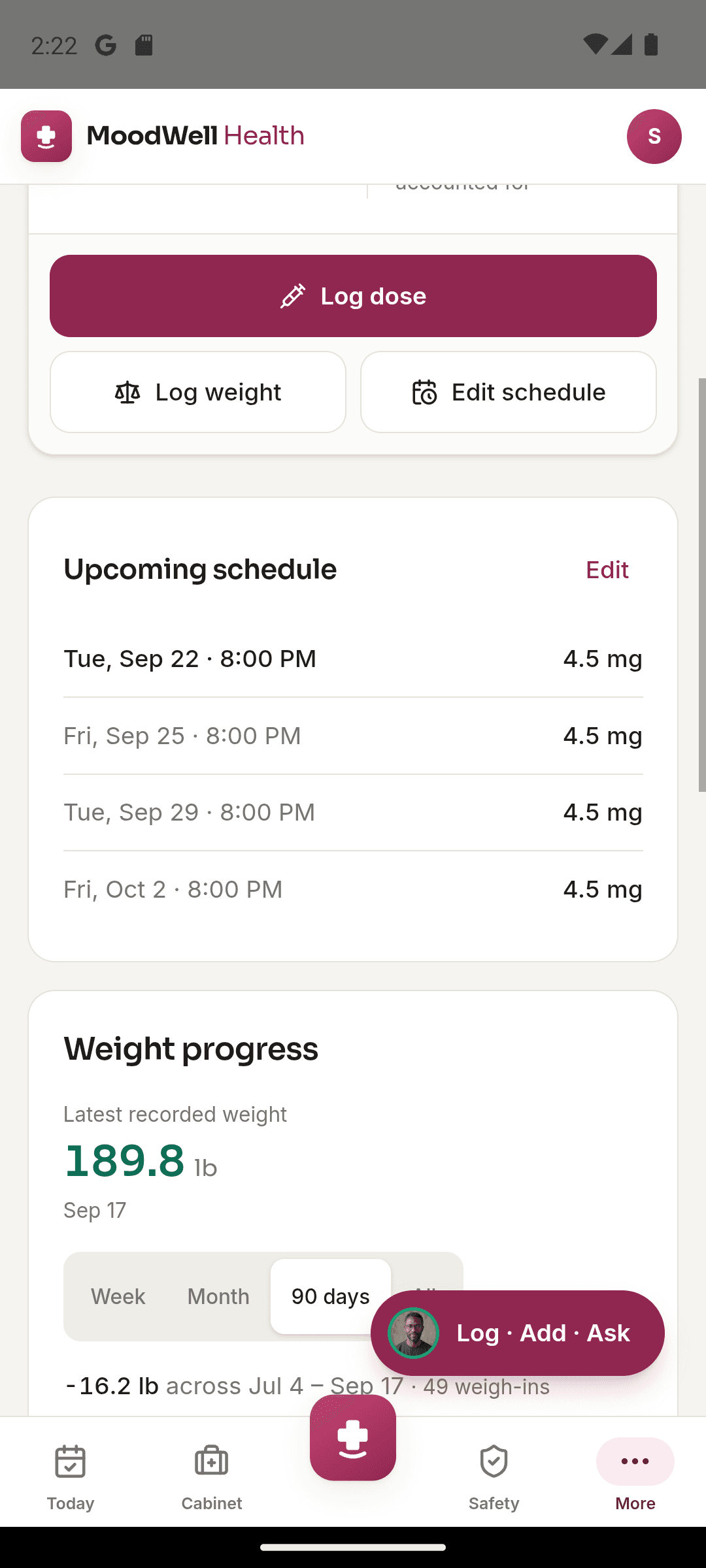
Moodwell's GLP-1 tracker brings together recorded doses, injection sites, schedules, supply, symptoms, and weight. Food and workout logs stay in the same account, giving you a place to review your everyday routine alongside treatment history. Dosing decisions stay with your prescriber.
The situation
You want to remember the date, dose you took, injection site, supply, symptoms, meals, and activity around a prescribed GLP-1 routine. When those details live in separate places, preparing for a conversation can take more work than it should.
Moodwell keeps your recorded treatment history close to the rest of your wellbeing routine. It does not recommend a dose or replace your prescriber, pharmacist, or urgent care.
Step by step
Add the medication and the schedule you were given, then check the saved details.
Explore GLP-1 trackingSave what you actually took, including date, time, dose, and site when relevant.
See dose historyRecord symptoms, weight, meals, or activity without assuming one item caused another.
See the daily viewReview the timeline and bring concerning symptoms or treatment questions to an appropriate clinician.
Read the recording guideA practical example
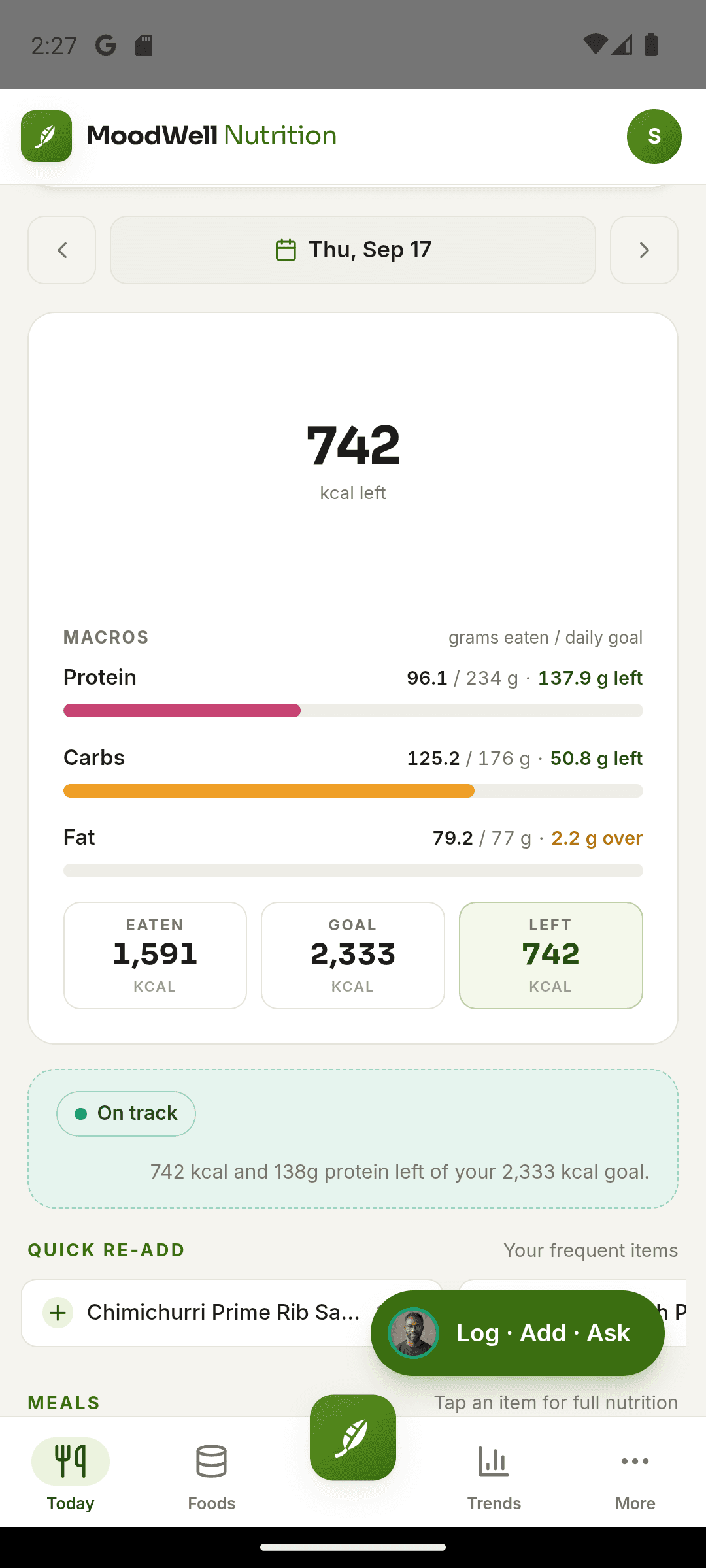
After taking a prescribed dose, record its date, time, amount, and injection site. Later, add any observation you want to remember in the relevant symptom or health record. Keep meal portions in the food diary and completed training in the workout log.
Before an appointment, review your dose history and personal observations to prepare questions. A dated record is useful for recall, but the app does not establish whether a medication caused a symptom. If you already use Shotsy, follow the file-import guide to bring across supported history.
Inside Moodwell
Review recorded doses, injection sites, symptoms, weight, schedules, and supply.
View the trackerKeep meals and portions available as personal context for the day.
View food trackingReview the injection, weight, and symptom counts found in your CSV before importing, then check the completed import summary.
View import detailsAcross your day
Seeing treatment records and everyday activity in the same day can help you remember dates and context. It cannot establish a medical cause or tell you whether to change treatment.
Estimated drug levels in Moodwell are models based on recorded information. They are not measured levels and should not guide dosing.
Go deeper
Keep a clear personal history of recorded doses, injection sites, symptoms, weight, schedules, and supply without turning the log into medical advice.
Read the guideImport a Shotsy CSV into Moodwell: review injections, weight readings, and symptoms, understand skipped weights, and avoid duplicate history.
Read the guideChoose the fastest capture method for the food in front of you, then review the result before it reaches your diary.
Read the guideMoodwell
Choose Android or iOS to see the current release, beta, or waitlist option.
Questions, answered
Keep the practical details of your routine together while leaving treatment and dosing decisions with your clinician.
Explore all FAQsNo. Follow your prescriber's instructions and the product information. Moodwell records the information you enter.
Yes. Export a CSV from Shotsy and choose it in Moodwell's GLP-1 setup flow. Review the counts found in the file, then select Import. The result shows imported injections, weights, and symptoms, including weights skipped because a reading already exists for that day. This is a file transfer, not continuous sync.
Contact an appropriate clinician, pharmacist, urgent care service, or emergency service based on the situation. Do not wait for an app response.
No. They are mathematical estimates and are not a blood test or dosing tool.